Rewards & redeeming
How the reward threshold works, redeeming at the scanner, and fixing a balance by hand.
A reward unlocks when a customer reaches your reward threshold (set in Card design) - for example, a free coffee after 10 stamps.
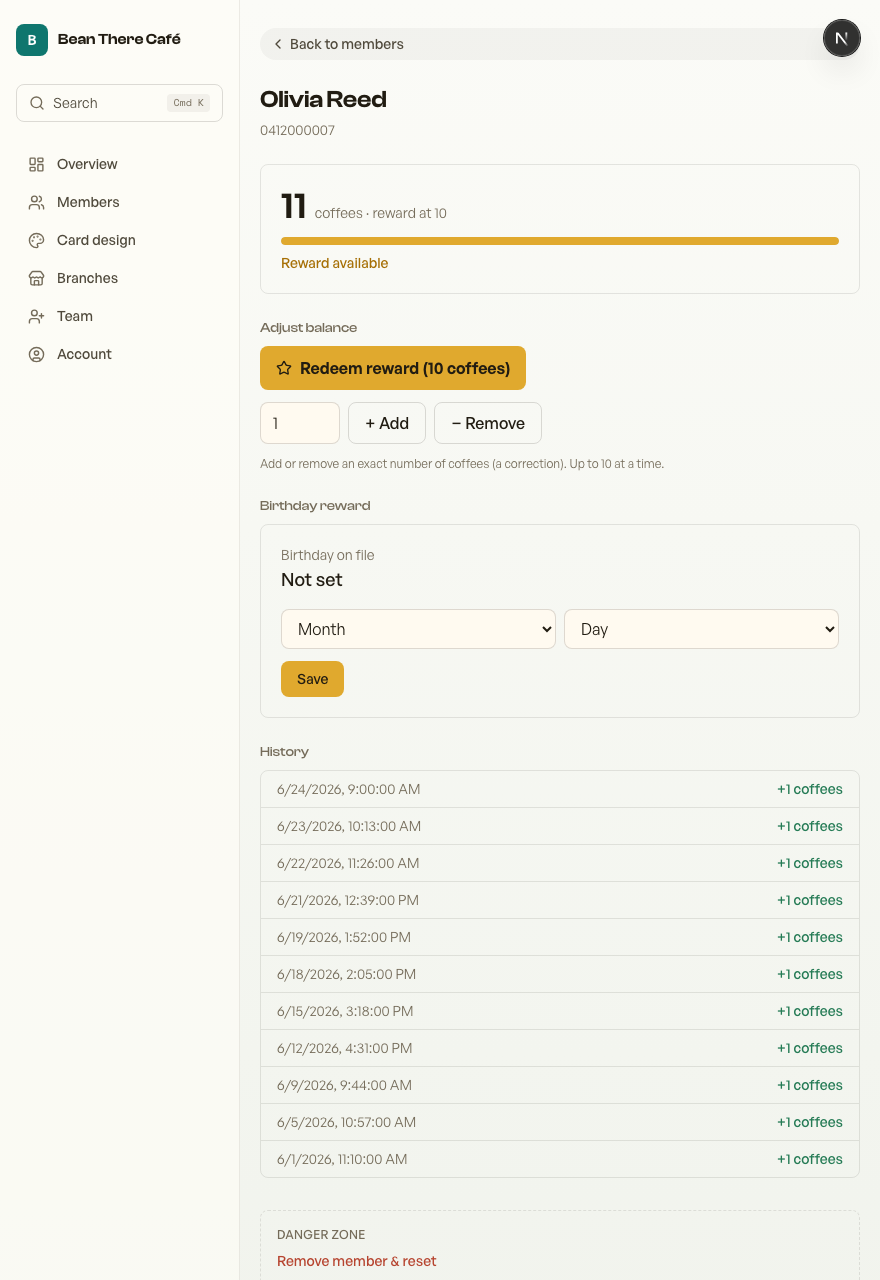
When a reward is ready
Once a customer hits the threshold their pass shows "reward ready", and the scanner shows a Redeembutton instead of auto-stamping - so you can't accidentally stamp over a reward.
Redeeming
Tap Redeemon the scanner. It deducts the reward and the card resets to start the next one, and the customer's pass updates right away.
Fixing a balance by hand
Open a member from your dashboard and use Adjustto add or remove stamps (up to 10 at a time) - handy for a correction or a goodwill stamp. The scanner's Undo button reverses the last stamp or redeem you recorded.
Thanks for using Retriever · We reply within a day